Canva's Biggest Update Yet: What It Means For Your Brand
AI design just got easier for everyone — including your competitors. What Canva’s biggest update means for your brand.
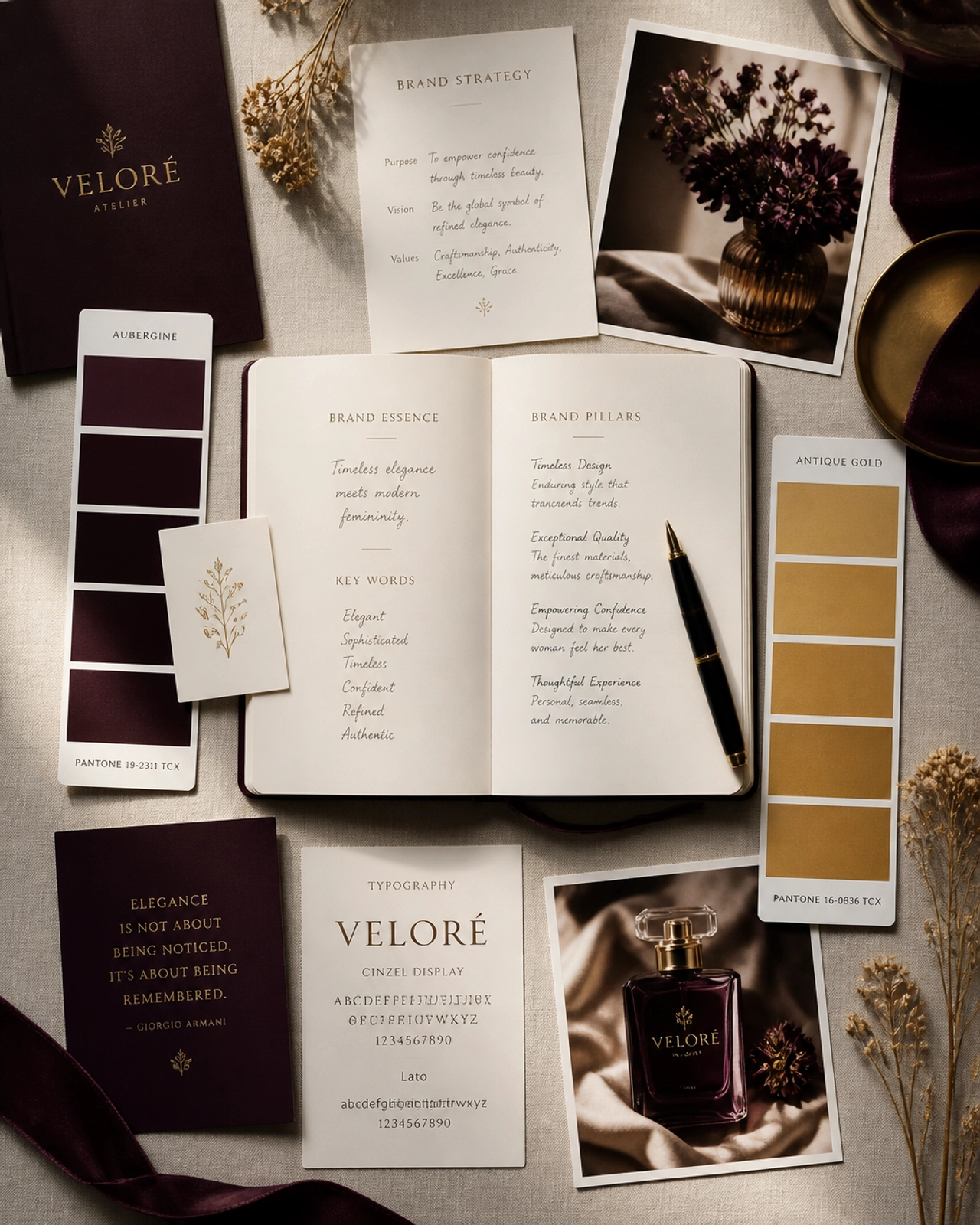
Canva just shipped its biggest update yet, and the direction is clear: powerful AI design is now in everyone's hands. Generate a layout, an image, or a whole campaign from a prompt. For founders, that's genuinely exciting — and it comes with a catch worth naming.
The opportunity: professional design, faster
You can now produce polished, on-brand assets in minutes without a designer on call. For social posts, proposals, and everyday marketing, that's a real unlock — especially for small teams with no slack. Speed like this is exactly what we mean by letting AI clear the busywork.
The catch: everyone else has it too
When professional-looking design is available to everyone, "looks decent" stops being a differentiator. If you lean on the same templates as thousands of others, your brand blends in. The tool raises the floor for everyone — it doesn't raise your ceiling. That still comes from strategy and a distinct point of view.
How to win with it
- Lock your brand kit — real colors, fonts, and logos, not defaults.
- Build your own templates so speed never means sameness.
- Document the rules so every asset — human or AI — stays on-brand.
That documentation is your guardrail; it's the same thinking behind AI-ready brand guidelines. And when you're generating visuals from prompts, our 50+ graphic design prompts keep the output sharp.
Easy tools raise the floor for everyone. Strategy is still the only thing that raises your ceiling.
Use the tool for speed; use strategy to stay unmistakable. That balance is our whole approach — see AI integration and brand strategy.
Request a Strategy Conversation and we'll map the fastest path from where your brand is now to where it needs to be.
Frequently asked questions
What changed in Canva’s biggest update?
The headline shift is deeper AI: generating layouts, images, copy, and whole campaigns from a prompt, plus stronger brand-kit controls. The practical effect is that professional-looking design is faster and more accessible to everyone — including businesses with no designer.
Is Canva good enough to replace a designer?
For everyday social and internal assets, it is genuinely capable. For brand strategy, positioning, and high-stakes identity work, it is a tool, not a strategist. It executes decisions beautifully but does not make the strategic choices that set a premium brand apart.
How do I keep my brand consistent in Canva?
Set up a locked brand kit — colors, fonts, logos — and build templates for your recurring formats. Then document the rules so anyone, or any AI feature, produces on-brand work. Guidelines are what stop easy tools from flattening your brand into a generic template.
Let’s turn this into results for your brand.
We build brands backwards — strategy and buyer psychology first — so your brand doesn’t just look good, it works hard and generates revenue.